
 The Wizard Of Oz At Sphere
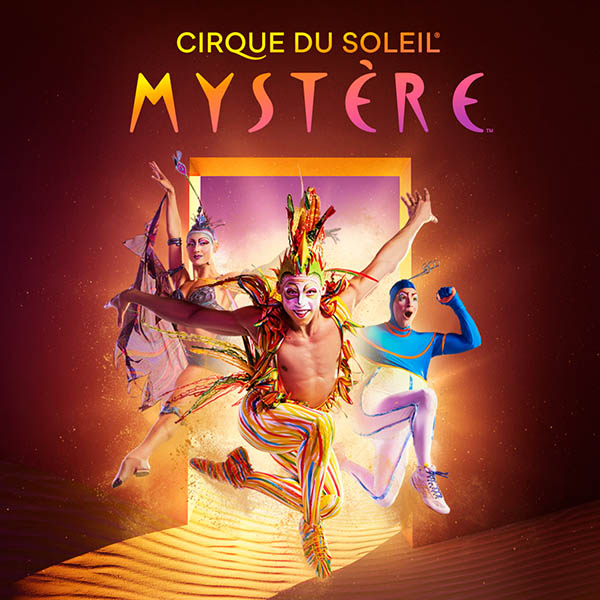 Mystère
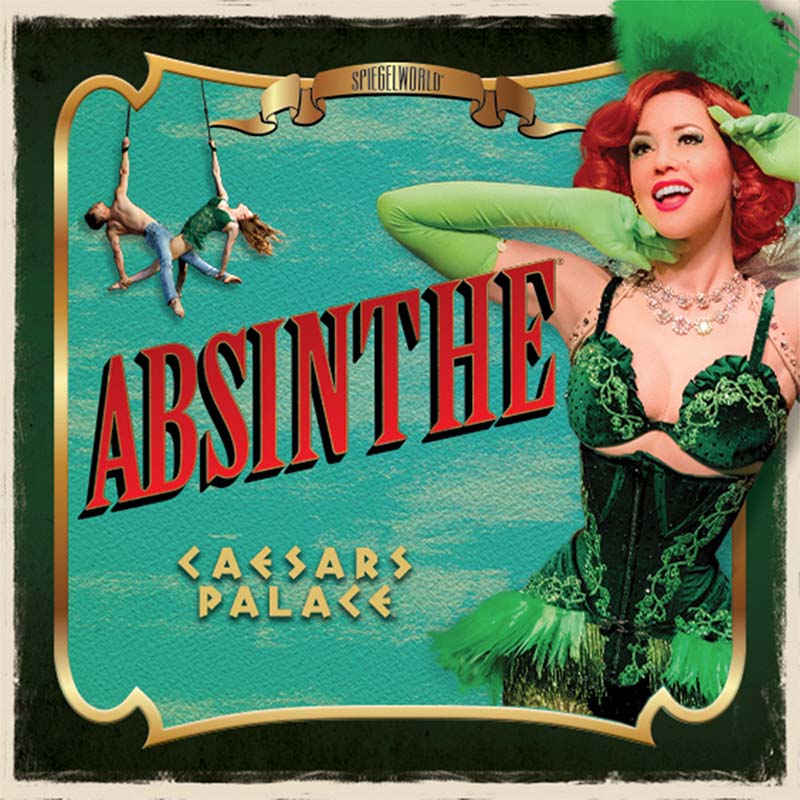 Absinthe
 “O”
“O” KÀ
KÀ Blue Man Group
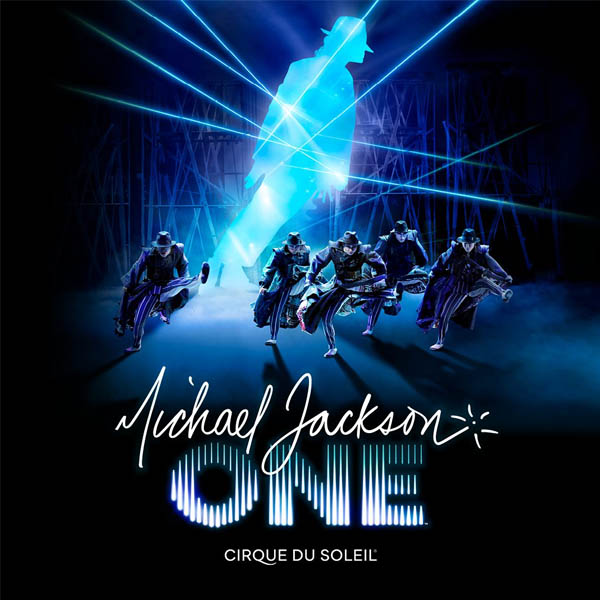 Michael Jackson ONE
 Tournament of Kings
 Jabbawockeez
 Piff The Magic Dragon
 Criss Angel Mindfreak
Your Tickets Are Here
Good News – your tickets are in your account. Please check your email confirmation from AXS.
To use your tickets, all you need is the AXS mobile app:
1. Get the AXS mobile app if you haven’t already.
2. Sign in to the app to view your AXS Mobile ID, the secure digital code for your tickets.
3. Get your AXS Mobile ID scanned at the venue’s entrance and head inside.
As an AXS partner, an AXS account has been created for you, and you’ll need to reset your password to sign in.
Download the app and tap “Forgot Password” on the Sign In screen.
For many events, you can also use the app to transfer or sell tickets. It’s all a breeze.


Need help? Visit our FAQ’s for more information or contact us via our AXS support page.